×
![]()
So, a couple years ago, I built a nas out of my dad's old PC. I had used one at work, and after seeing all the other things you could do with it besides just storage, I thought it was super cool and I really wanted to try and set one up. When a sale came around, I bought a couple seagate 4TB drives for like 80 dollars each and dragged my dad's old pc out of his closet. Along with the 1TB drive that was already inside, I would have a pretty good amount of storage for backups and videos and the like.
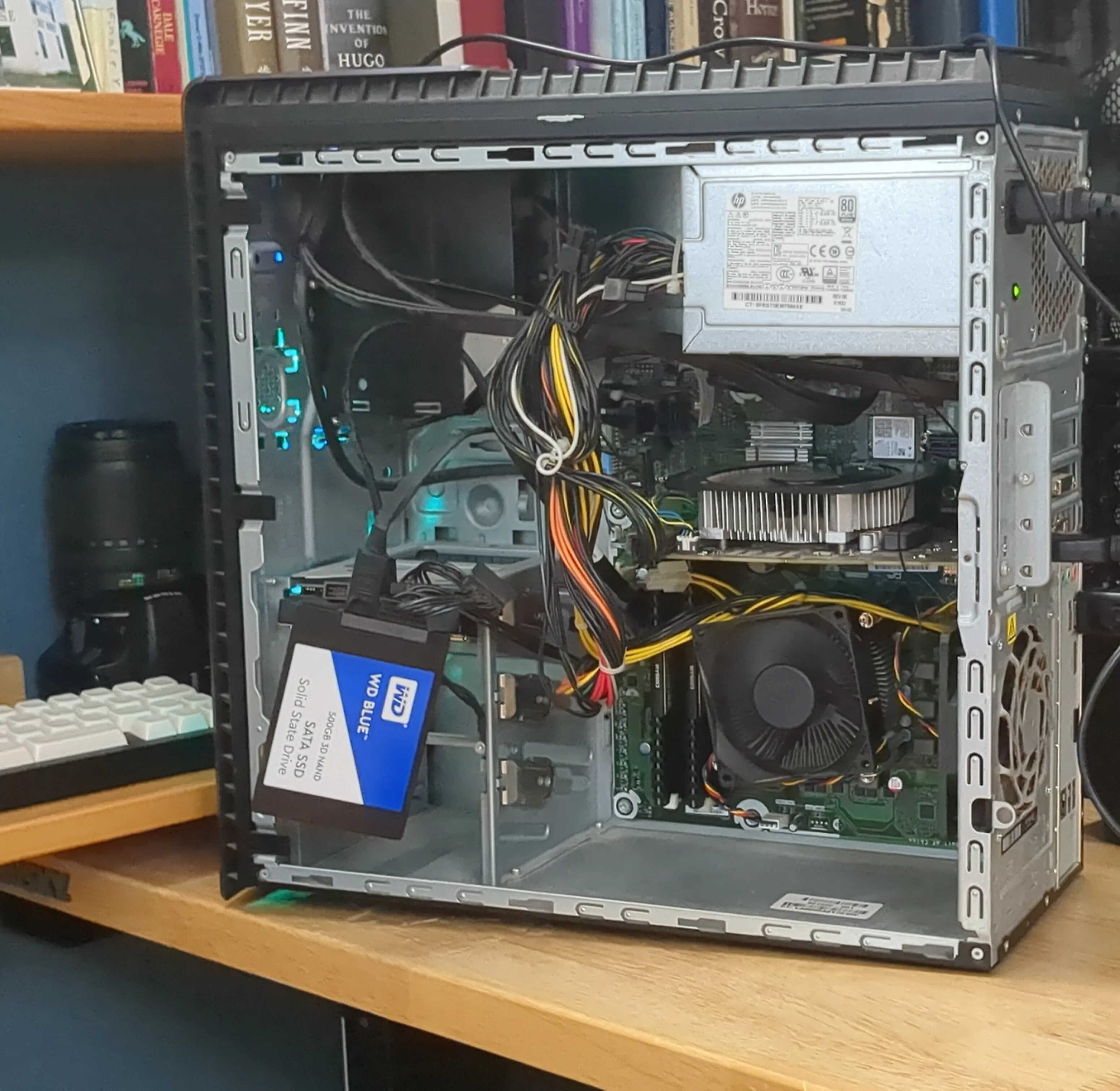
I dug his computer out of the closet, gave it a good dusting (it was disgusting lol), and basically just put the drives in. I thought I was going to use both 4TB drives and the 1TB drive all together, but after discovering I didn't have enough SATA ports for all three plus an operating system drive, I ended up just putting the second 4TB in my desktop instead.
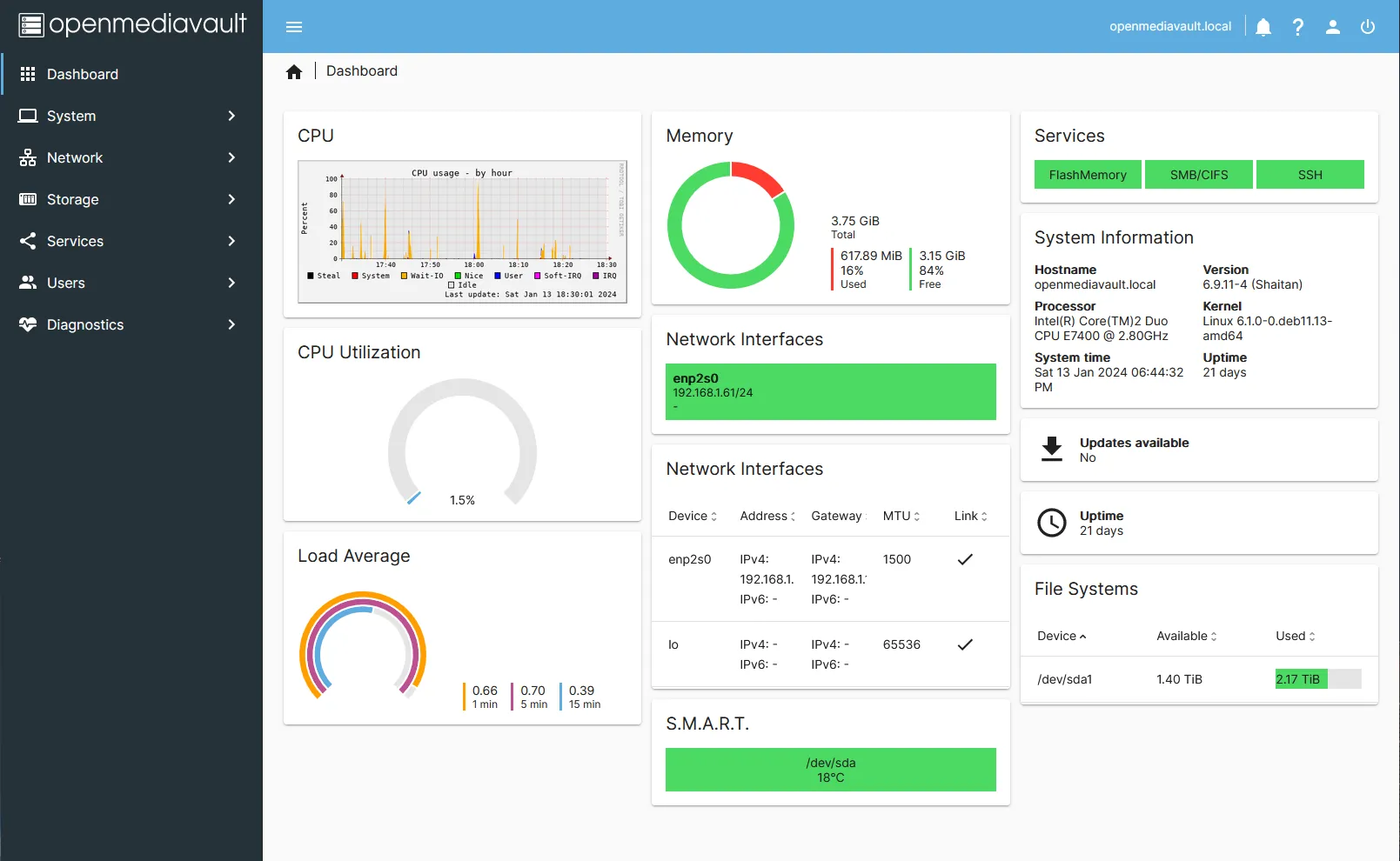
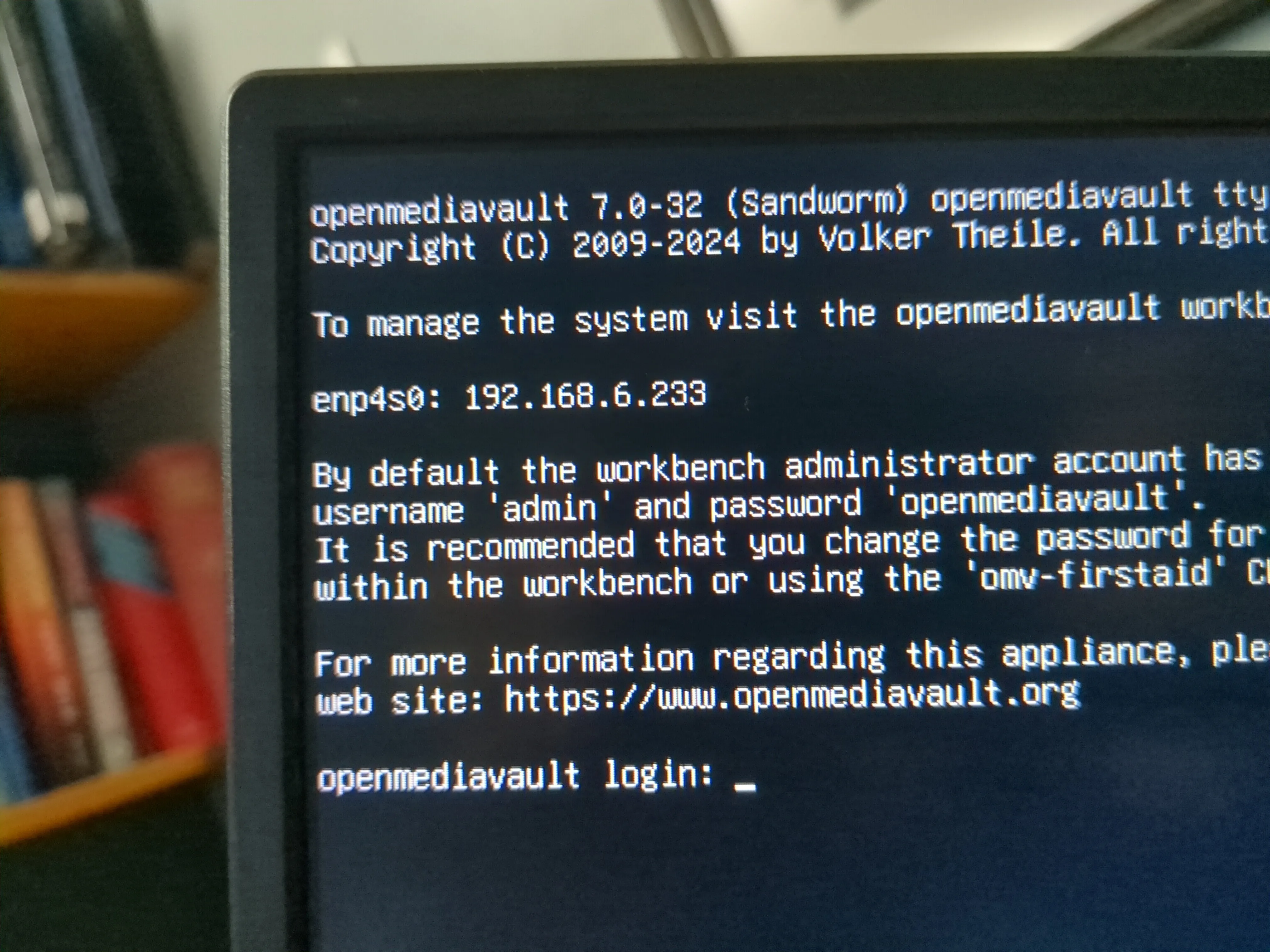
The only nas operating systems I knew about that were free were openmediavault and FreeNAS (which I think is now TrueNAS Community), and since I didn't really know what I was doing, I just went with openmediavault since it seemed easier. That was kind of a mistake, but I'll get to that later. I installed the OS on a 500gb internal SSD I took out of my old laptop and started setting things up. I got the drives in an LVM(?) array, set up a NFS(?) share, and everything was working. The speed was concerningly slow though. After a while (like hours), I figured out that I just needing to enable asynchronous transfers in the share settings. However, the speed still wasn't all that great because I was limited by 1 gigabit networking which could only get to like 100MB/s transfer speeds in the best conditions, slower than what even an individual drive could actually do.
That server was alright for about a year, but at some point, updates just stopped working. A few months after that and trying to configure any of the settings would get stuck and just load forever. That was probably all my fault having done everything without really understanding what I was doing when I first set it up, but I was starting to get a little frustrated with openmediavault. Managing Docker(?) containers was kind of over complicated and, though ubuntu as a base wasn't the worst since I could install things really easily, updates were always a little sketchy. By the end of all that, I was left just wanting a machine that was properly stable that I could actually trust.
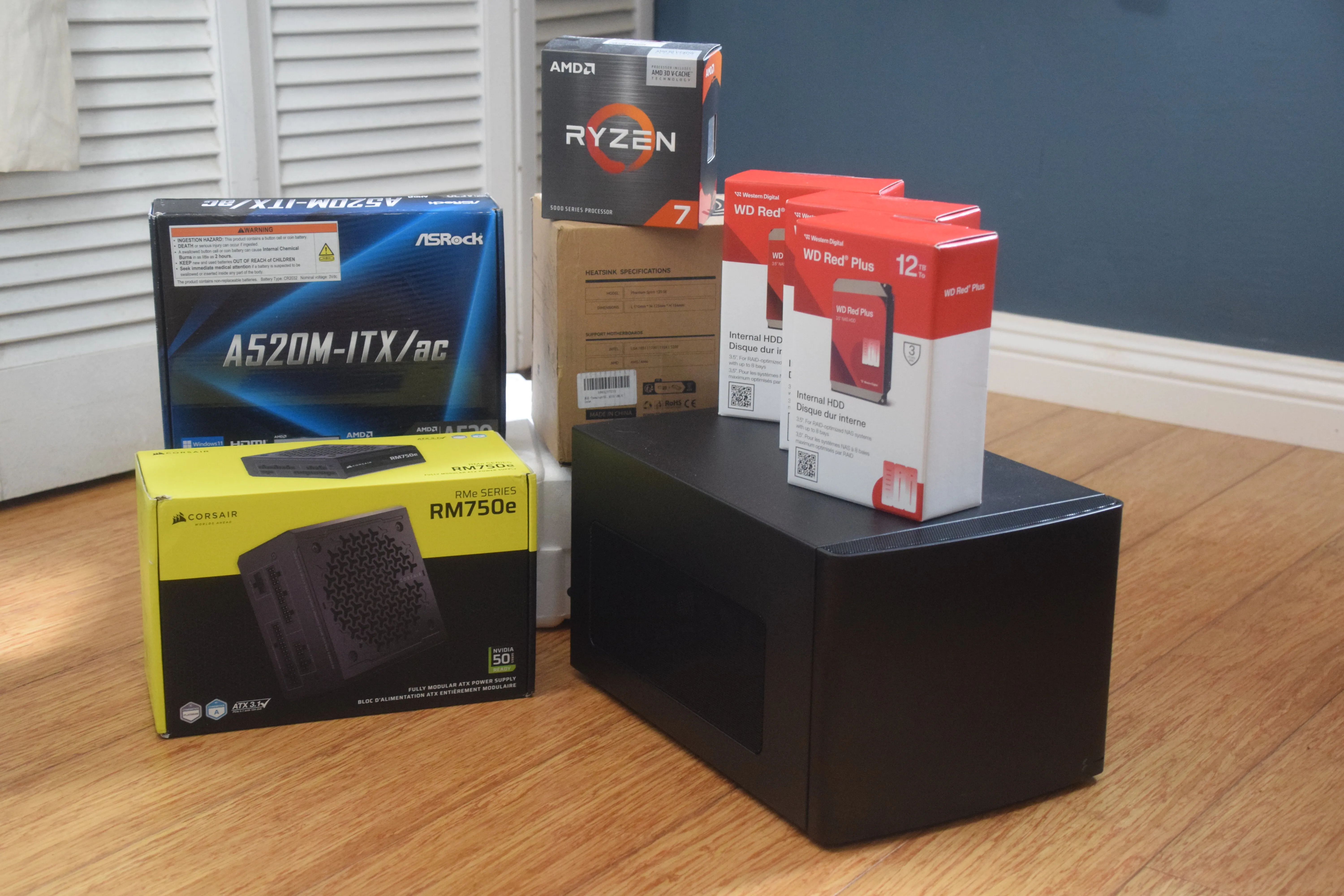
In the beginning of 2025, I upgraded my CPU (and good timing since it went up like 100 dollars a couple months after), so my old one was just sitting on a shelf. With some of the parts in the current server, I could easily build a new machine and all I would need to buy was a motherboard, power supply, and case. For some reason, even the web dashboard on my Openmediavault build just stopped working entirely and I figured that was the end for it. I especially didn't feel safe keeping my data on that system since I didn't have any redundancy set up, so I was wanting to do a proper build with only a little bit of sketchyness anyway.
I also wanted to try building in a small form factor for the first time, especially since I am planning to eventually move away for school. Being able to move my desktop into a smaller form factor case without any glass panels would make that a lot easier. I went with one of the cheaper cases I could find, the fractal design node 304, a random asrock mini ITX motherboard, and a corsair RM750e power supply. That case was kind of a poor choice for reasons I will explain later, but it was cheap so that's what I get. For hard drives, I bought 3 12TB Western Digital Red Plus drives thinking I would get another one later on, but I don't think I will actually need that since I wasn't even using up two terabytes total on the old build.
Everything showed up after about a week, except for the hard drives which took the WHOLE MONTH to arrive, I assume because a bunch of people were buying them on sale and they were backordered. When they finally arrived, I got everything unboxed and went for it.
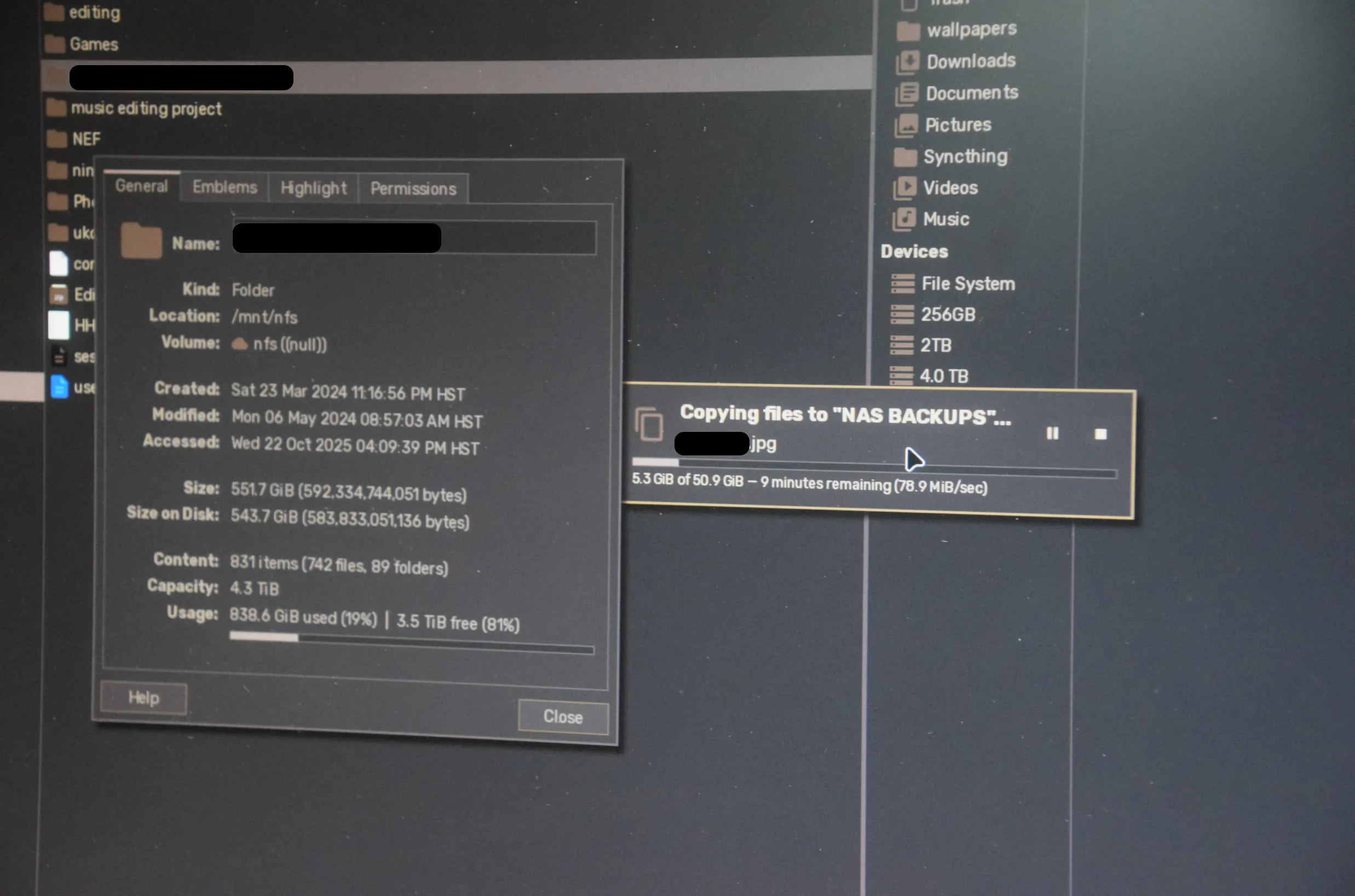
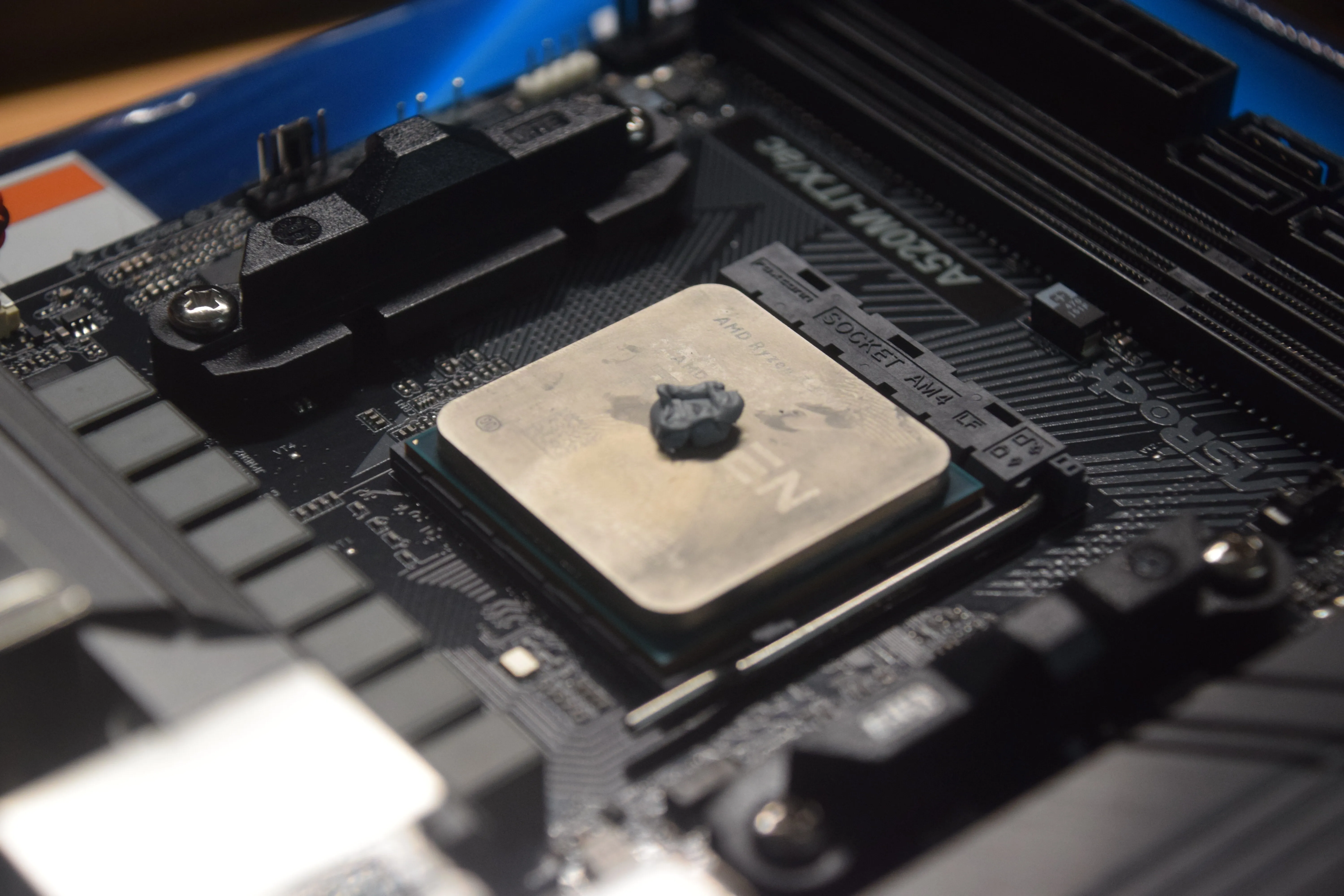
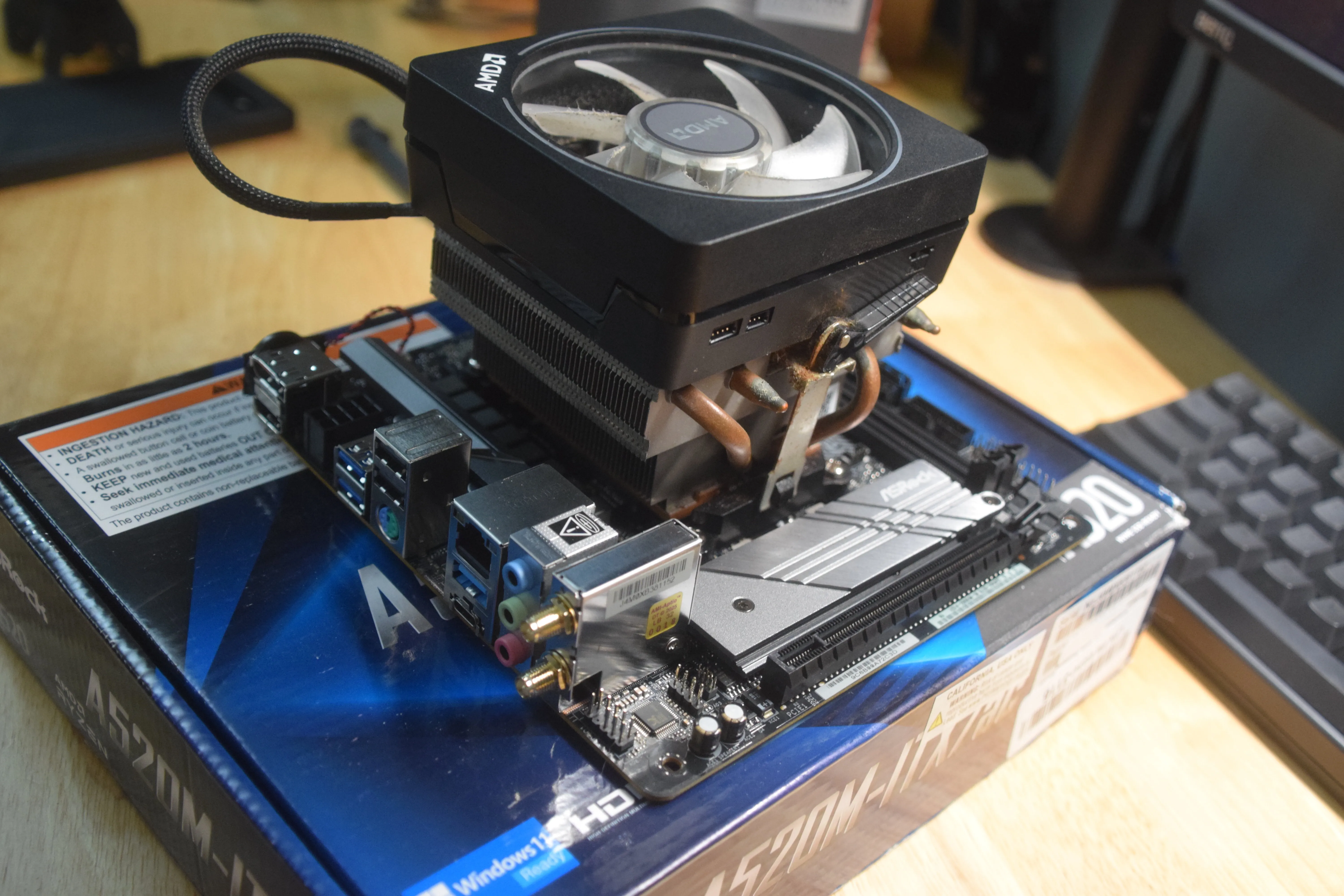
First of all, I backed up everything from the old system since I completely forgot to do that before everything arrived. That took a couple hours to finish, so I did what I could while that was happening and put the CPU in the motherboard with the cooler. I didn't have enough thermal paste but it wasn't going to run hot anyway so I figured it would be fine. Like I said, only a little sketchy. Once the transfer was done, I got the old computer up from under my desk and started taking it apart.
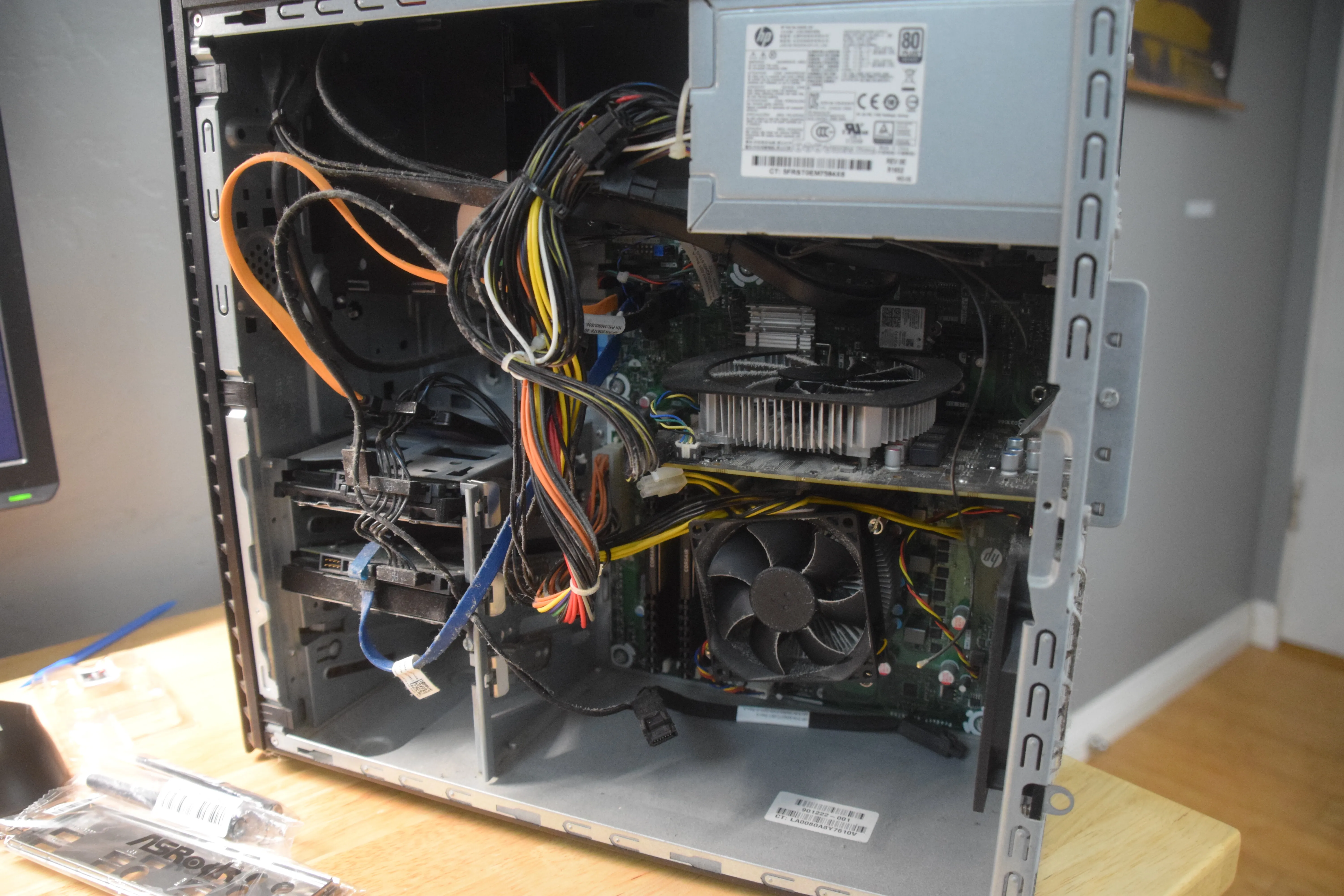
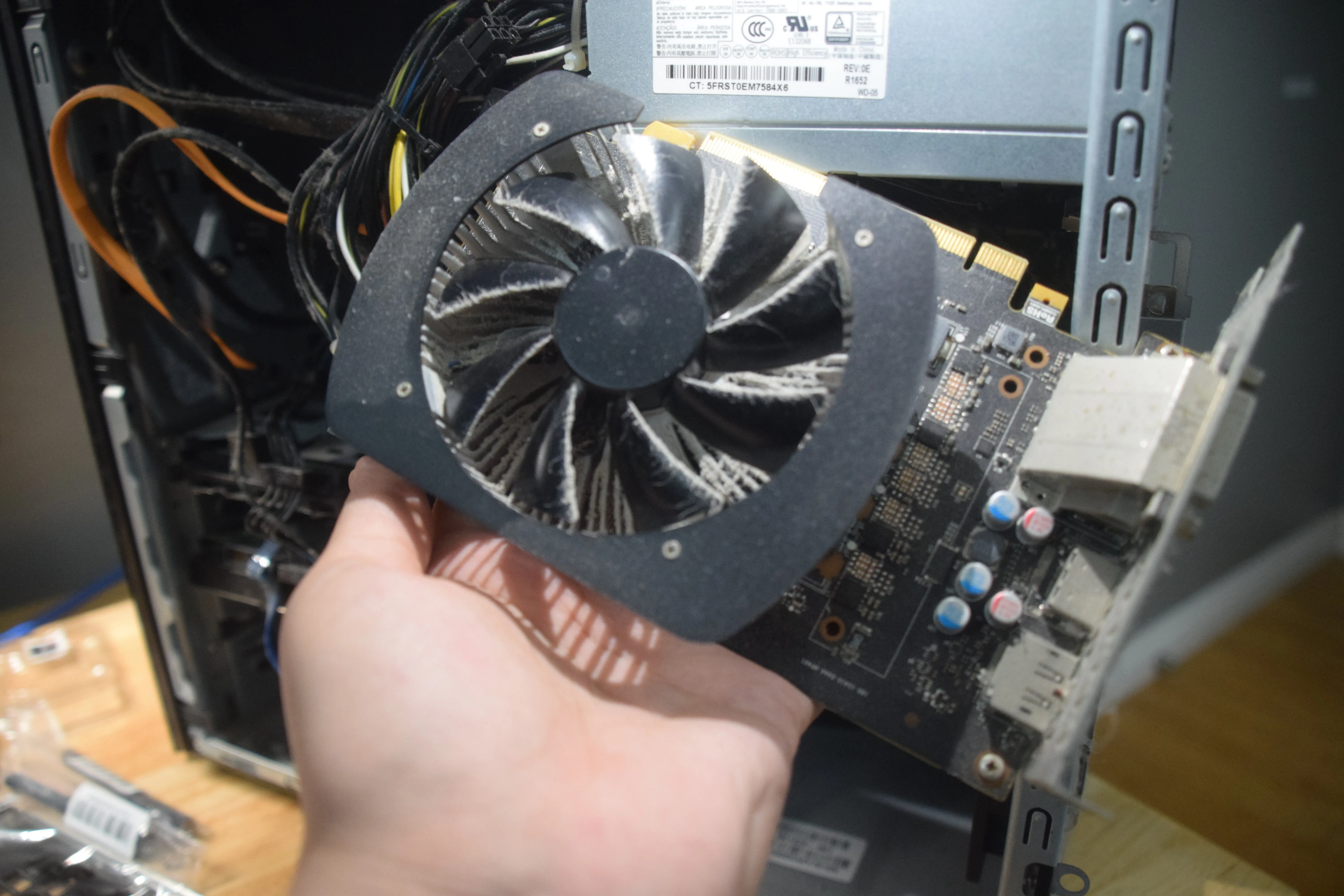
I took out the GPU, an old GTX 1060 3GB (which is surprisingly capable even in 2025, we really did plateau in the pascal generation). I dusted it out too, I didn't leave it like the picture. I got the ram out too and set aside the drives to put into my desktop later.
Then back to the new computer, I got the ram into the motherboard, the standoffs into the case (which were seemingly ill-fitted, I had to use pliers to force them to screw in, probably damaged the case but who cares they're never coming out anyway), and the motherboard onto the standoffs.
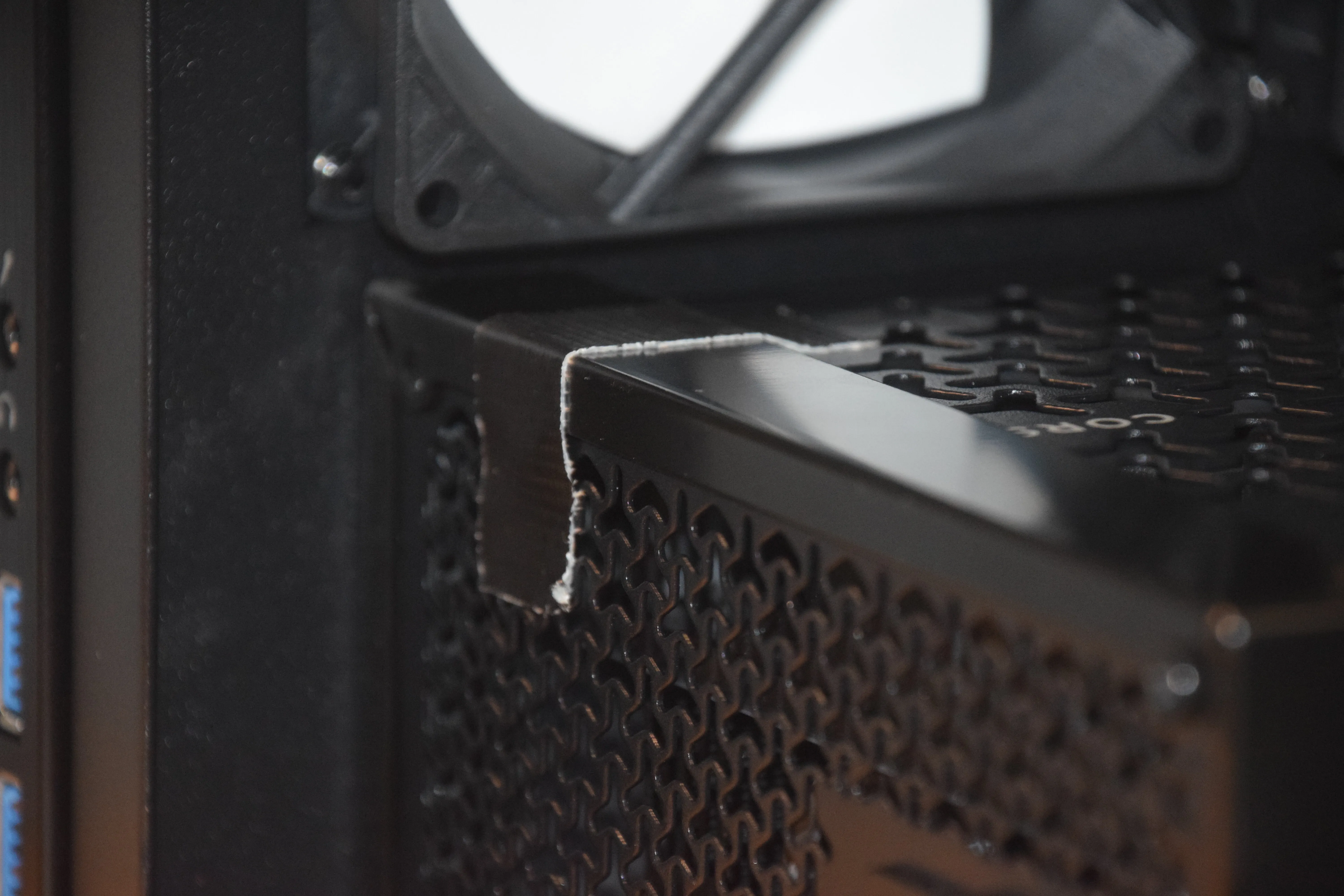
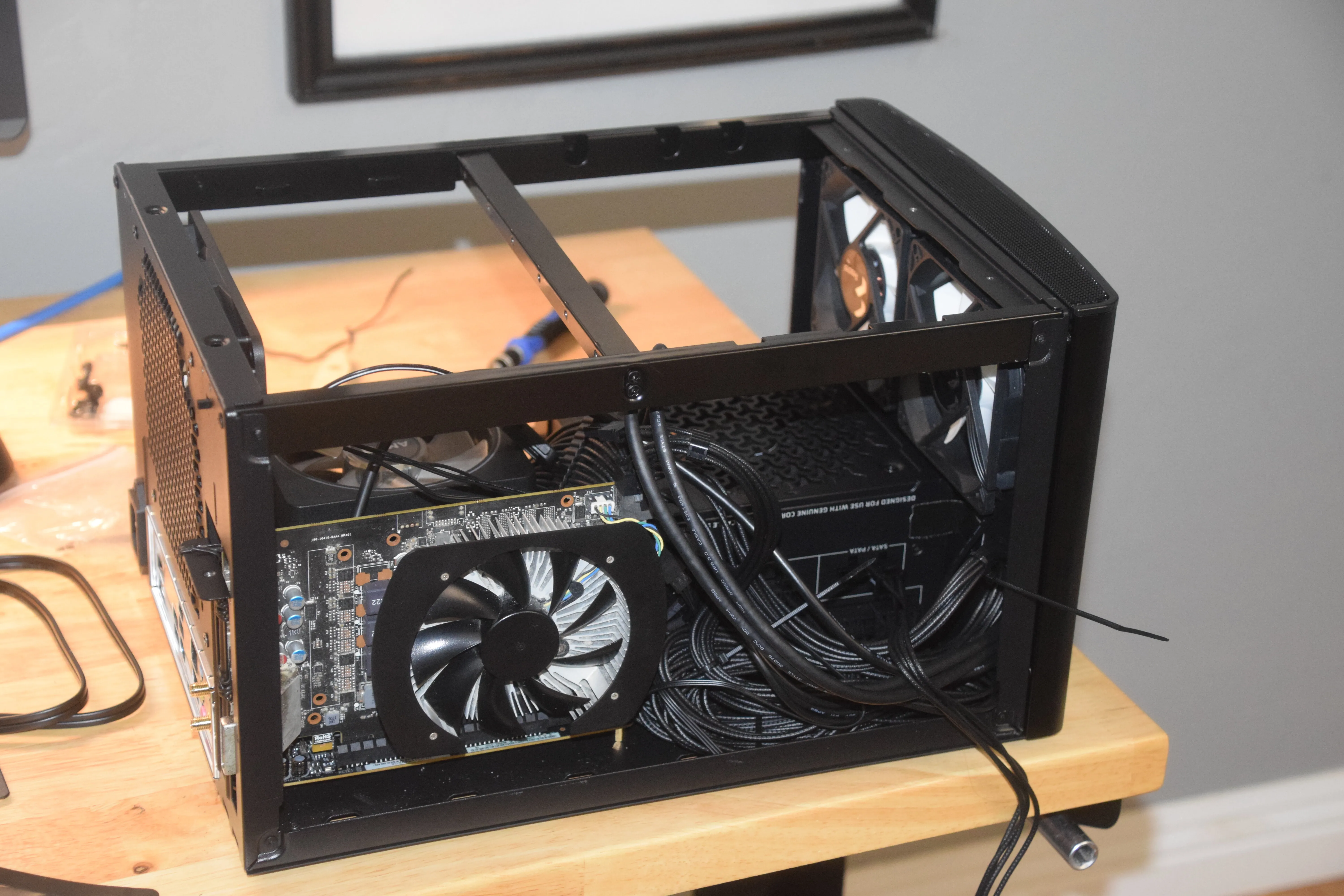
After that, I got the power supply in. I should explain this next part. A lot of these small form factor cases have internal power cables that go from the back of the PC to a mouting location for the power supply. This allows for a lot more flexability on the placement of the power supply in a smaller space, but this case's internal power cable didn't fit with the power supply when it was facing right side up, so I had to leave it upside down blowing more hot air into the system. I also duct taped it to the inside of the case since one of the screw holes isn't aligned when the power supply is upside down.
I then realized the problem with the GPU. The bracket very much did not fit in the case.
I don't know
if that was the fault of my case or because the 1060 was an OEM model for the specific case it came with,
but either way it couldn't slot in.
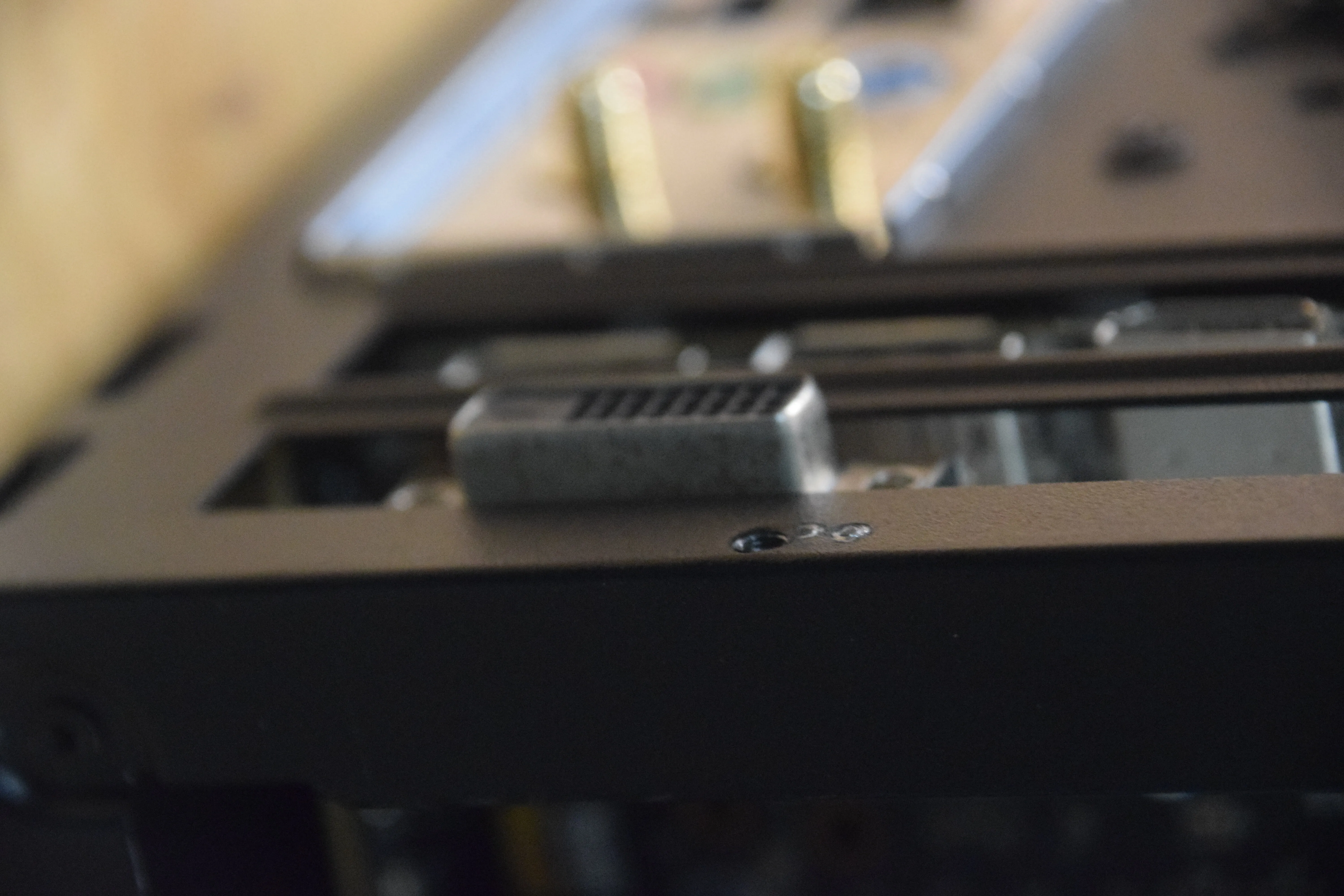
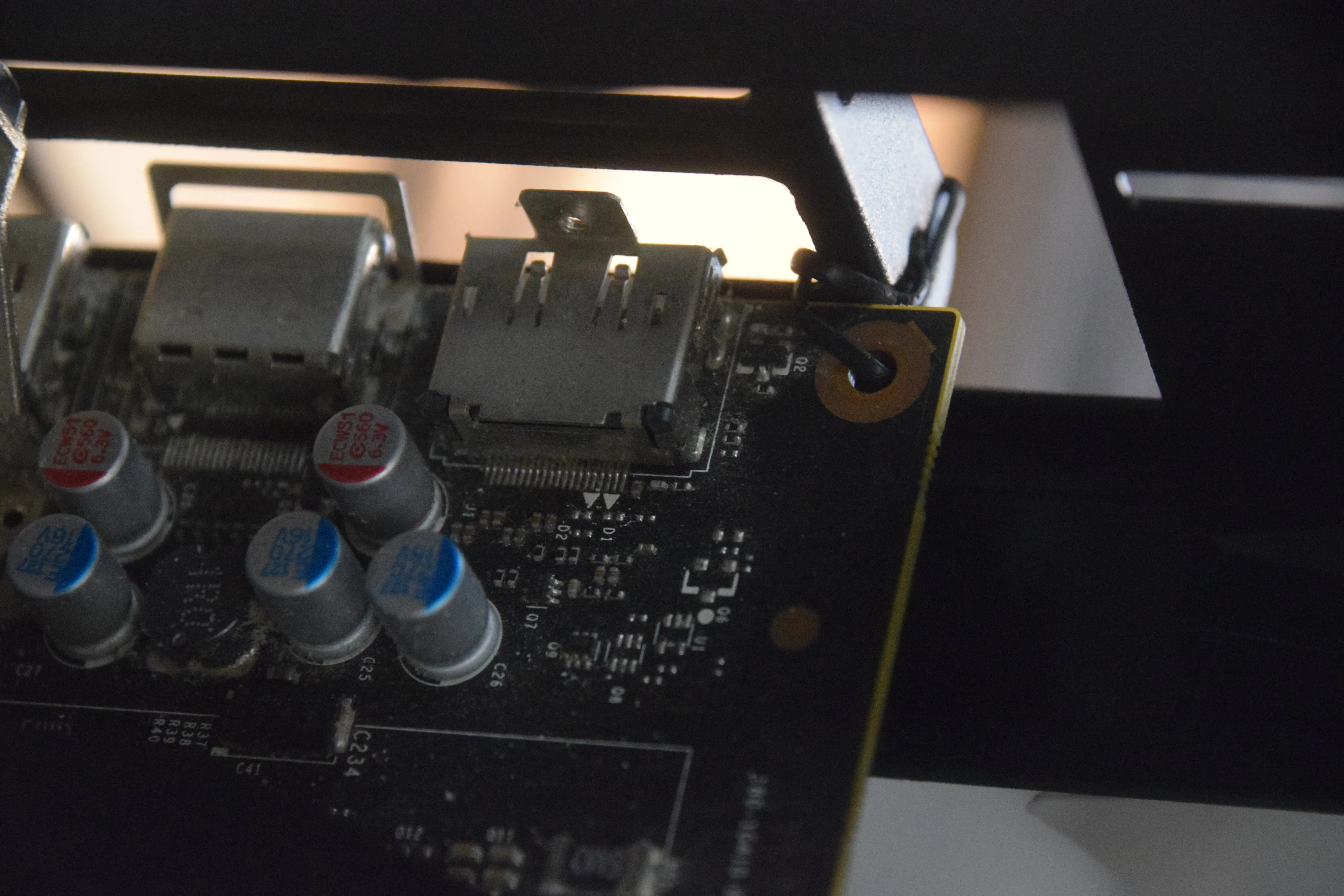
I ended up just taking the bracket off and twist tying it on there and everything is fine don't think about it don't look at it. Twist tying it was also somewhat of a mistake because I had to take the whole thing apart several times to fix issues and each time I had to undo the whole thing which was a massive pain. Since then I've just taken it off and stuffed a rubber eraser into the slot instead which is way easier. No idea if that's safe or advisable but it is working. I'll update the blog if my house burns down :D
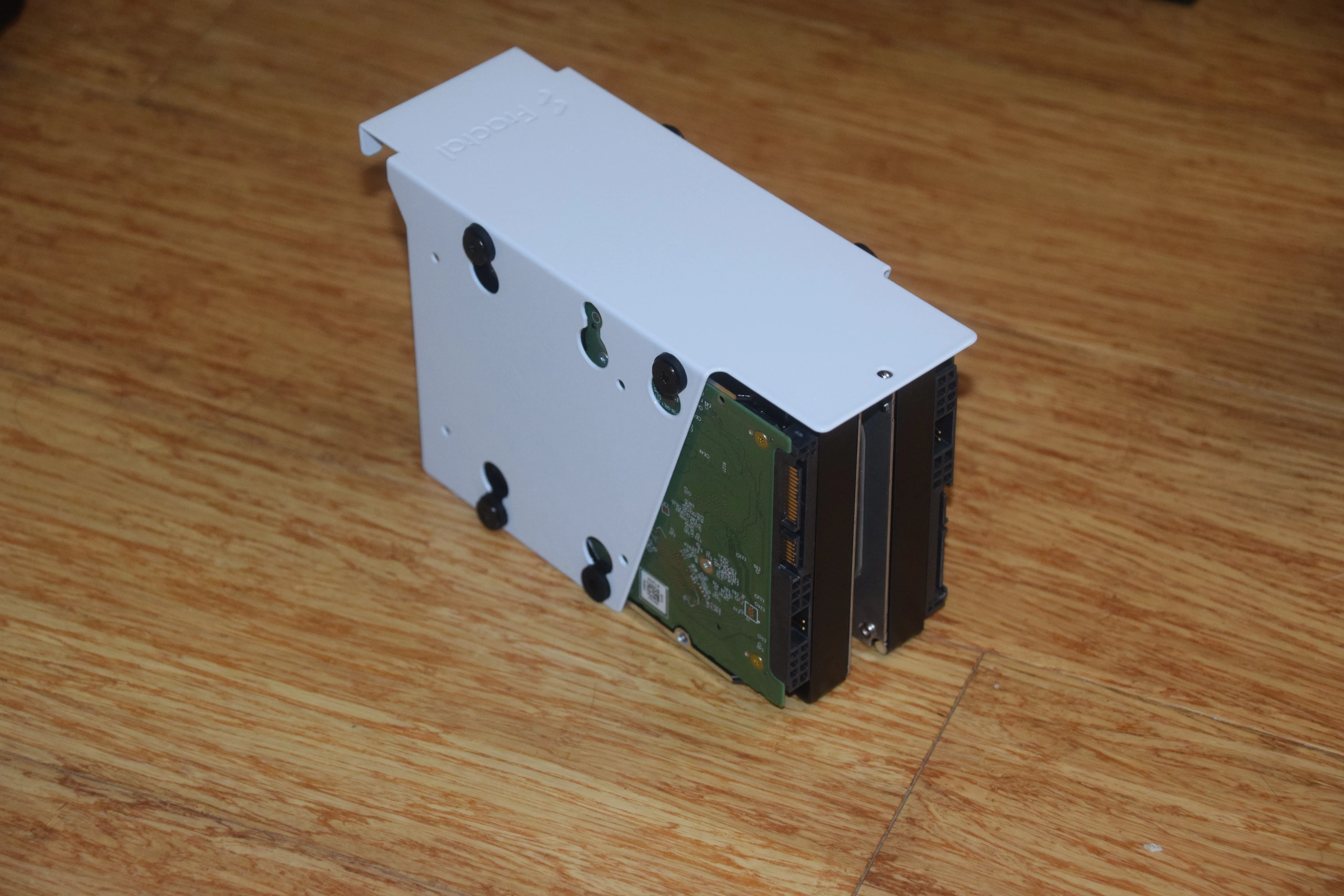
After the GPU, I put the hard drives into the brackets, realized I had the drives in backwards, redid them, they were still backwards, redid them again, and got them plugged in. At this point, everything was put together, so I tested booting. It all worked first try and I was able to get into the BIOS, so I shut it down and went to make my OS drive.
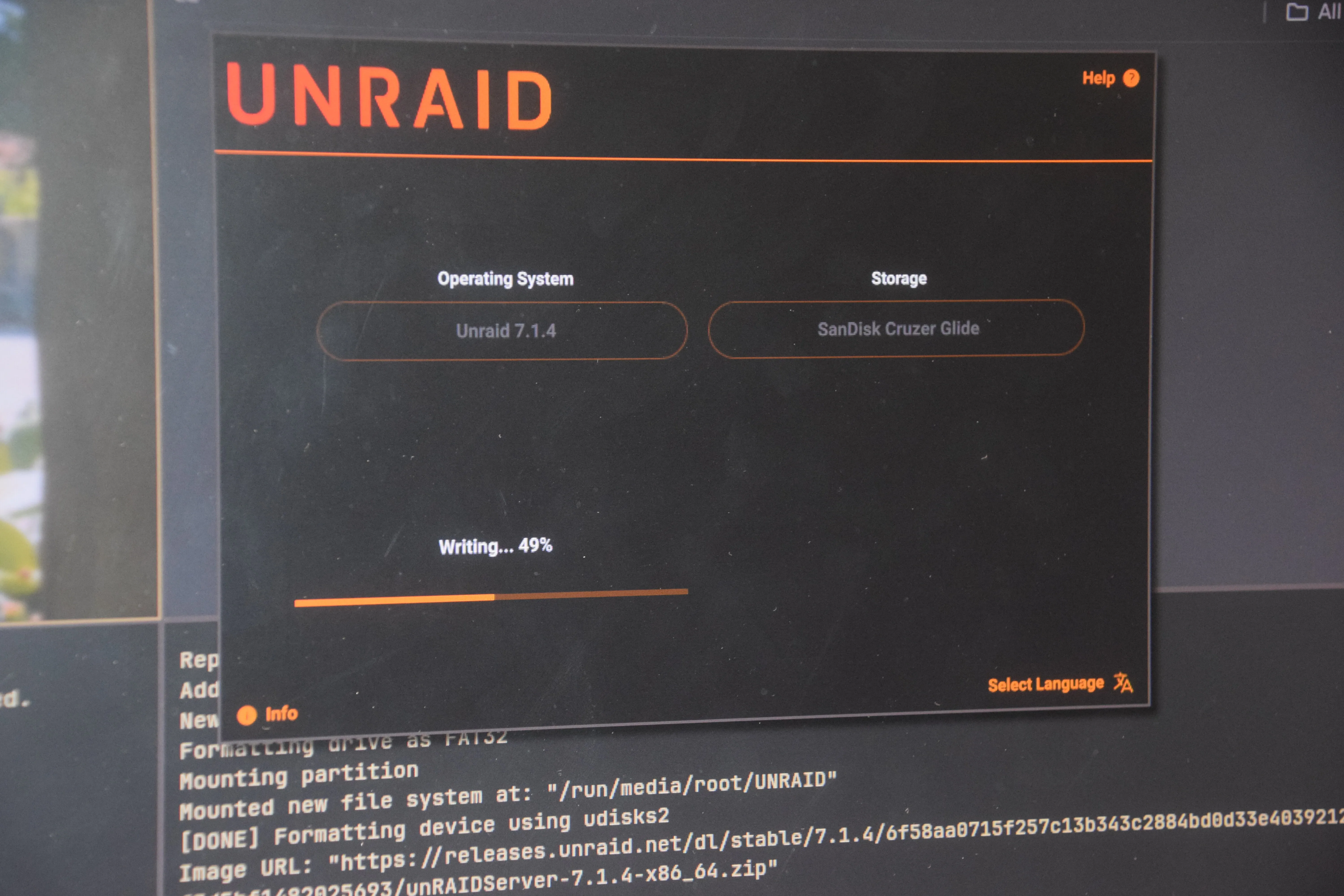
The operating system I went with for this build was Unraid. My main reason for this was just getting more functionality, flexibility, and a much more stable base compared to Openmediavault. You do have to pay for it which kinda sucks, but it was worth it for me. One of the best things about unraid is that it's really easy to add, remove, or swap drives out of your array, which was good for me when I was hoping to expand the storage in the future. The USB creator said it was done writing, so I took it out, plugged it into the computer, booted into it and...
error
unmount: / not mounted
bzfirmware checksum something something error unraid i forget
I had no idea what this meant and nothing online was really helpful. No matter what I did, it would not boot. I tried other USB sticks, I tried writing to the USB from another computer, nothing. After like an hour of straight troubleshooting, I figured out that one of the memory sticks was somehow just bad. It was working perfectly fine in the old pc, but unraid was just refusing to boot with it. So I only have 8gb of ram in it now. No way I'm upgrading that any time soon with the current prices. It's not really a problem anyway, but not ideal either.
The relief after spending all afternoon and all night putting this thing together, troubleshooting, working around random issues, and then finally seeing it boot normally is just indescribable. But I still had to set it all up the array in Unraid. I shut down the computer, put the case together, stuck it under my desk, turned it on again, and started following some guy's setup tutorial. I followed the guide and put the drives in a Raid 5(?) style array with 24TB of usable storage and one parity drive, and then the guy started to make a cache drive. That's when I realized I forgot about the cache drive.
The cache drive is basically an SSD that goes in the nas and allows you to upload or access files off of it faster. I ended up setting mine as an upload cache only, so anything I upload to the server is first stored on the cache and then gets moved onto the hard drives at the end of every day. I was planning to use an nvme that I had for games in my desktop, but it just slipped my mind while I was building it.
So I backed up my data from the drive, shut down my PC, opened the side panel, took the nvme out, put the panel back on and shut down the nas. This is where the pain really started and why I said that the node 304 was a poor choice. It is extremely difficult to get this case open. The case itself is easy to work in since the panel you remove covers over half the case, but it's a pain to put on and take off because it's one big ' |_| ' shaped piece of metal that covers over half the case with a bunch of little clips that friction fit it together very tightly. It genuinely takes like 5 minutes of prying to get the case open.
Anyway, I got the NVME in, closed the case again with great effort, booted, and it said one of my drives was missing.
So I...
Unplugged it
Opened the case
Re-seated the sata cables
Closed the
case
Booted again
it's
working.

So finally, I set up the cache drive and started to run a parity check. I had no idea I needed to do this, especially for new empty drives, but apparently it is best practice to run it even on a new system. A parity check basically ensures that all the 0 bytes of data was the same 0 bytes of data spread across all the three drives. Once you actually have data on the array, it verifies that it's the same on the parity disk, and if a drive dies, no files would be lost.
Now, I was okay with that since I was just about ready to be done with this all for the day, but the machine had other plans for me.
As it was going along, at around 30% completion, I got a notification on the dashboard. The drives were overheating. This was somewhat expected since the case was so small, but I realized I had made another mistake. There were 3 mounting brackets inside the case and each of them could hold two drives. Instead of putting in one drive per bracket, I put two drives in the first bracket and the third drive in the second bracket, leaving the last one empty. That was restricting airflow through the case, so the two drives that were next to each other were getting very hot under the load of the parity check.
I had to stop the parity check, unplug the computer, wrestle with the case for 5 minutes, unplug the drives, unscrew the brackets, move the one drive to the third bracket, put everything back together again, close the case, boot the computer aaaaand
missing drive again
I am going to go insane.
I have old sata cables that are a little loose sometimes :P
I was very overwhelmed with this whole thing at that point. It was around 3 in the morning, but if nothing else, I am extremely stubborn with these sorts of things. Especially when knowing that I still had to do the parity check when I got it all working, I pushed through to fix it before I went to bed.
Shut down
Unplug
Open Case
Reseat the cables
Fight the other cables
trying to burst out
Force
the panel back on
Plug it in
Boot
It works.
And I will remind you that I was keeping this computer on the floor under my desk, and it's pretty heavy for its size. Each time I had to change or fix something, i had to take get it off the floor and on my desk, fight the case panel, and then lift it back down. It was pretty exhausting after hours of working and troubleshooting everything.
So finally, I let the parity check run overnight and went to bed. Server works now.
And yeah, that's the end of what I'm thinking will be part 1 to
this. This isn't the end of the story but this is already quite long and I'm tired of writing so this is
where I
will leave it for now.
If I do make a part two, it's gonna be about more of the software and
networking and upgrades I've done to the system since this part. Thanks a ton for reading it to the end if
you made it here byebye.